
🎓
Keep your lemlist export minimalist and consistent
With lembot, you can choose between extracting all the CSV or only a set of columns.
Why should I select columns?
This has 2 major advantages:
- Minimalist: your sheet gets easier too read because free of unnecessary data
- Consistent: the structure of your sheet won't change. If one day, the lemlist export template changes (for example, lemlist adds columns to the CSV) then your formula could be affected.
When you select columns, the export stay consistent over time. So does your formula 😉
Video
How To
Step 1
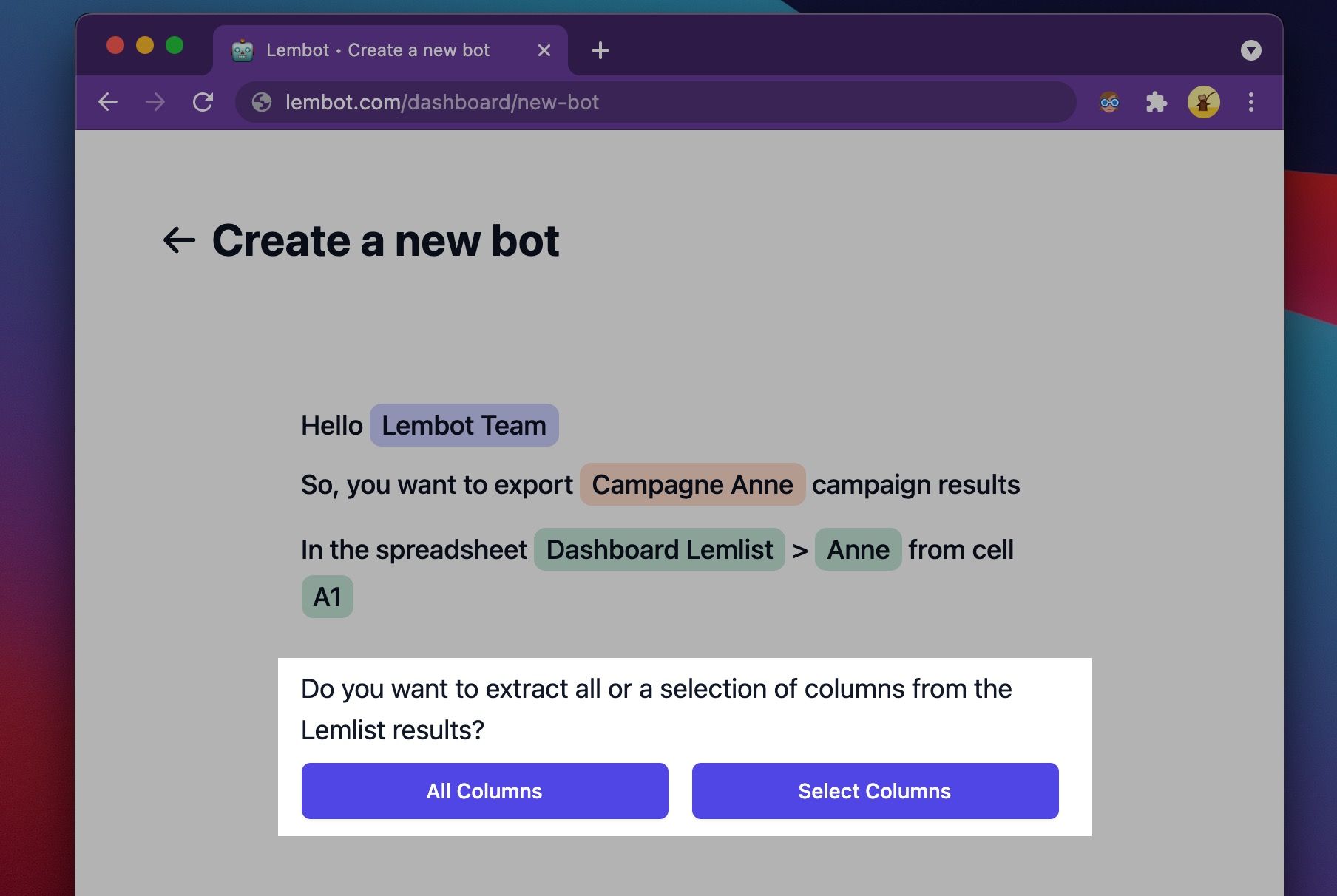
While creating or editing a bot, click "Select Columns".
Step 2
The columns in the CSV are automatically detected and displayed in a table.
Choose the columns you want to extract.
💡 Tip: use your keyboard to navigate easier in the table.
Click "Continue" to confirm your selection.

Step 3
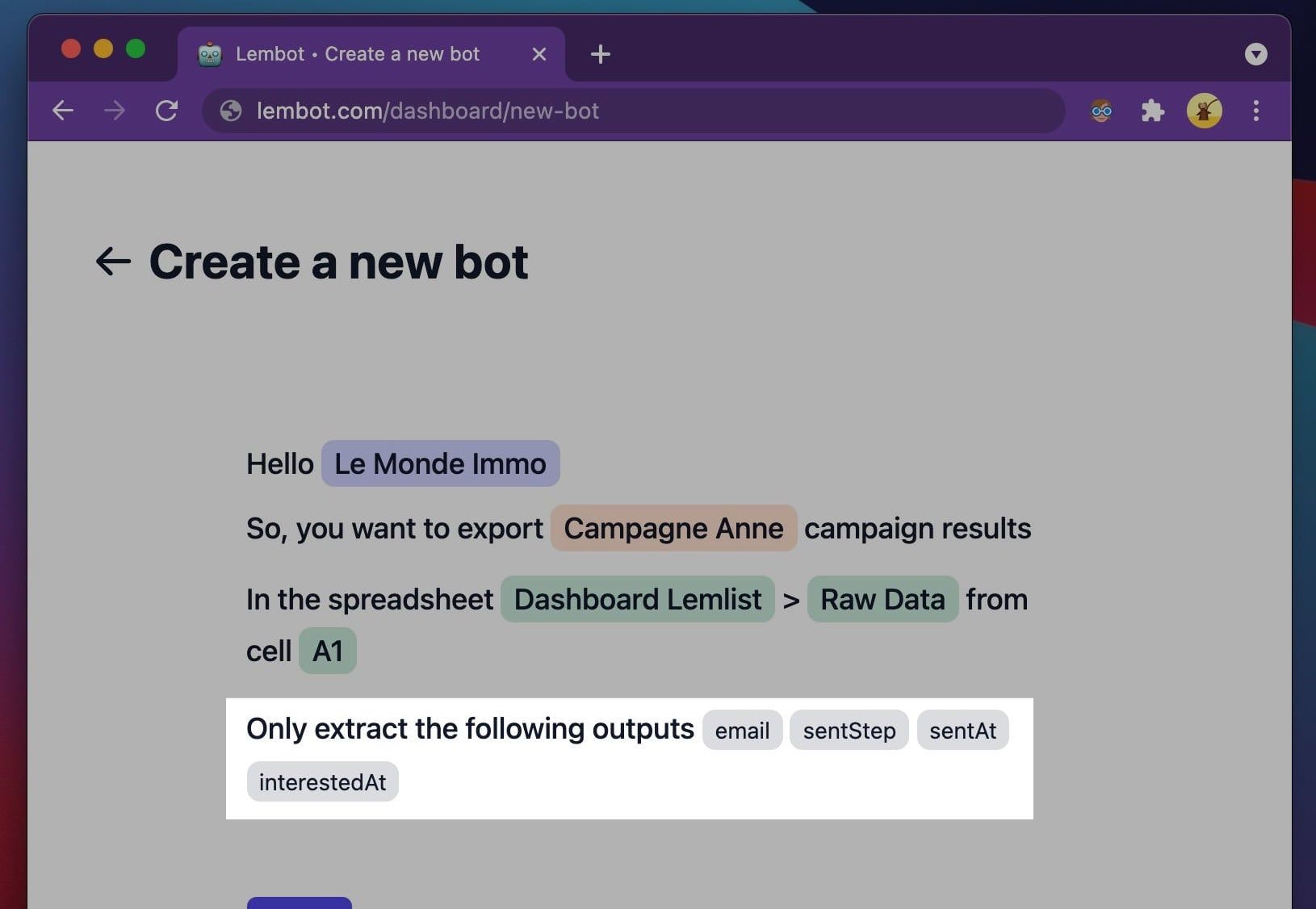
Visualize your selection.
Click one of the input to edit your selection.
That's it 🎉
Click "Run export" to only export the selected variables to your Google Sheets.

As you can see on the right, the sheet has only 4 columns as requested: email, sentStep, sentAt and interestedAt.
Cheers,
François